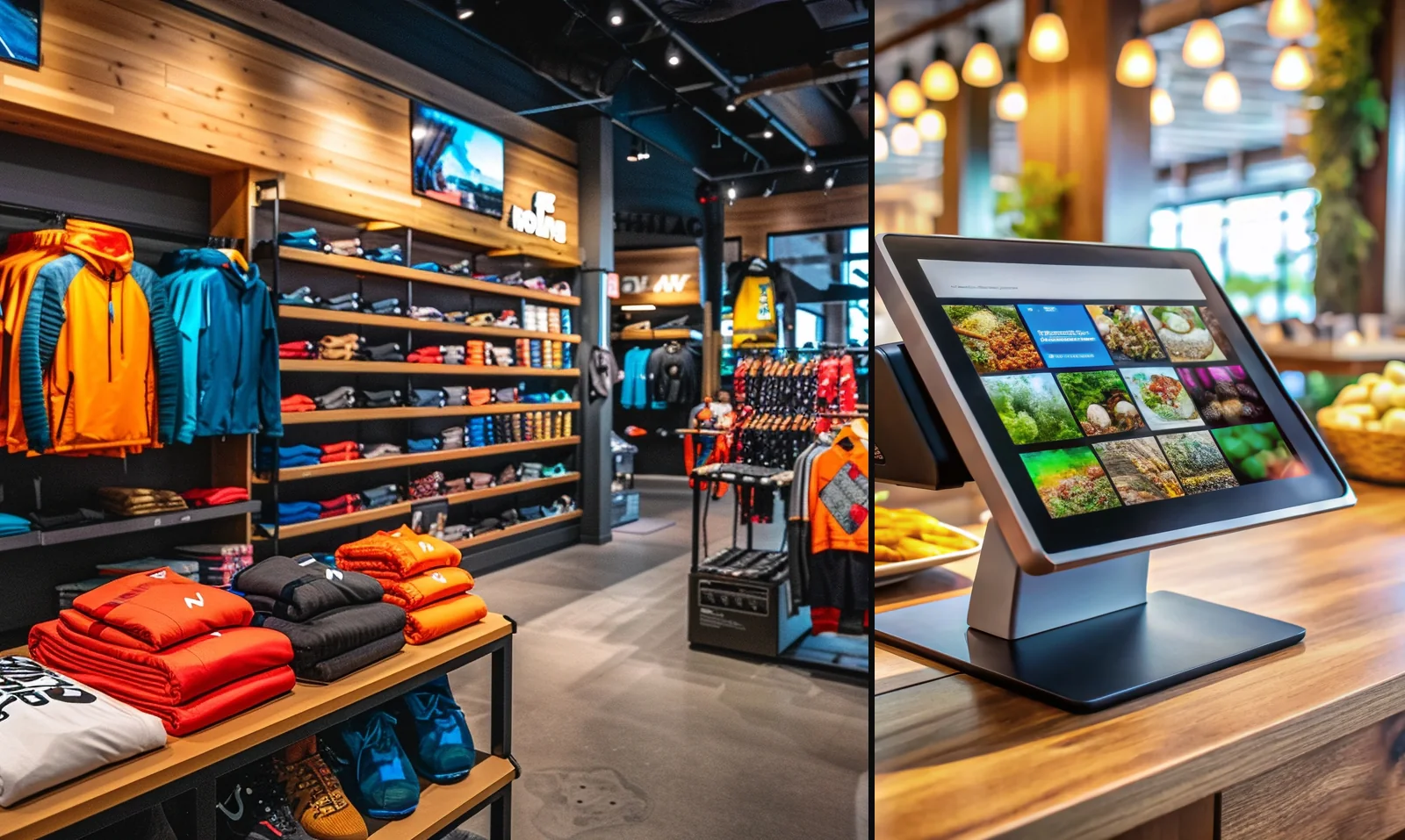
Restaurant
Restaurant generative AI assistant
Show how grounded AI uses sales, labor, reservations, menu mix, and no-show data for restaurants.

Shemify gives retail, restaurants, cafés, and service businesses one browser-based platform for checkout, advanced reports, team and payroll workflows, online store tools, restaurant reservations, customizable websites, and ShemifAI for tailored business guidance.
Browser-based on phone, tablet, or laptop — with POS, payroll, websites, reservations, and generative AI in one workspace





Shemify keeps products, checkout, receipts, sales history, refunds, reporting, and staff roles in one workspace. It can also extend into team and payroll workflows, online store tools, restaurant reservations with a free customizable website, and ShemifAI for business-specific answers.








Instead of forcing businesses to buy a POS, a payroll tool, an ecommerce stack, a reservation platform, and a separate AI subscription, Shemify keeps those layers connected in one place.
Run checkout, print or send receipts, search history, issue refunds, and review simple or advanced reports from one workspace.
Keep employee records, permissions, time tracking, time off, and payroll workflows tied to daily operations and reporting.
Ask a generative AI business assistant that studies your own business data and answers with guidance tailored to your case.
Free covers the essentials. Paid plans start with a 7-day free trial and unlock deeper controls for teams, customer programs, and location-based access.

plan 01
$0 for one owner account with products, sales, receipts, and daily history.

plan 02
From $12/month or $149/year for one location with up to 5 app-access users, advanced reports, full logs, loyalty, gift cards, debts, time clock, and branded receipts.

plan 03
From $50/month for more than 5 app-access users or multi-location setups, with per-seat scaling and one workspace across locations.

plan 04
Owners and partners can switch locations, while managers and employees stay assigned to the location they work in.

Shemify keeps the daily paper trail inside the product: sales history, receipt lookup, refunds, staff permissions, logs, and reports stay easier to review as the business grows.
sales history
Look up receipt numbers, date ranges, items, and customer references when you need to answer a question quickly.
team access
Use owner, partner, manager, cashier, and custom roles so each person sees the right screens and actions.
records & reports
Review totals, best sellers, expenses, and activity logs, then share records for accounting or internal review.
Choose the setup that fits how you sell today, then grow into more reporting, staff control, and location structure later.

Manage categories, variants, barcode-ready lookup, receipts, best sellers, and daily history in one retail workflow.


Keep menu checkout simple, print receipts, control staff access, and review cleaner daily totals and shift activity.

Move through rushes with fast menus, modifiers, discounts, and end-of-day totals that are easy to review.

Sell services and retail in one system, manage staff access, and track daily sales without extra spreadsheets.
Shemify can stretch well beyond the register. Use the same platform for team and payroll workflows, online selling, restaurant reservations, and AI-supported planning instead of managing separate stacks.
Run employee records, permissions, time tracking, time off, and payroll workflows from the same business workspace.
Launch a customizable online store with synced catalog, inventory, orders, customers, and reporting.
Take bookings, manage tables, publish menus, and offer a free 100% customizable restaurant website in one system.
Ask questions about your own numbers, trends, team, and growth plans instead of getting generic generative AI answers.






Add loyalty, gift cards, and customer lookup when you want repeat visits tied to real purchase history.
Reporting that answers the basics fast
See daily totals, best sellers, expenses, and trends without building a spreadsheet first.

Set owner, partner, manager, cashier, or custom access so sensitive actions stay limited and day-to-day checkout stays fast.
Start with one owner account, products, sales, receipts, and history. Upgrade later if you need more users, deeper reports, loyalty, or multi-location access.
Because Shemify runs in the browser, owners can check the business from anywhere while staff work from the counter and managers handle reports, payroll, online orders, or reservations from the same workspace.
Before going live, test your printer flow, taxes, and device setup so the counter experience stays smooth from day one.
Shemify starts with core selling tools, then expands into customer programs, staff workflows, and in-app guidance when the operation gets more complex.
Premium app-access users
Enterprise workspace

Track customers, points, balances, and repeat visits in one place.
Paid plans can support time clock workflows, vacation tracking, and cleaner payroll preparation.
Shemify includes built-in assistance plus support workflows when you need help on setup or day-to-day operations.
Need a deeper answer? Start with our FAQ or email hi@shemify.com for POS, payroll, ecommerce, reservations, or ShemifAI questions.
Yes. POS, receipts, searchable history, refunds, simple reports, and advanced reports remain core parts of Shemify.
Yes. Shemify can keep staff records, permissions, time tracking, time off, and payroll workflows in the same workspace as your selling and reporting tools. See team & payroll software.
Yes. Businesses that choose the online path can launch a customizable website and online store with synced products, inventory, orders, customers, and reporting. See online store builder.
Restaurant workspaces can extend into reservations, table workflows, a free online website with menu and reservation flow, and 100% customizable guest-facing pages. See restaurant reservation software.
ShemifAI is an advanced AI business assistant for owners. It studies the business data inside Shemify and can answer with guidance tailored to that specific business instead of generic advice. See ShemifAI.
Yes. Shemify runs in the browser on iOS, Android, tablets, laptops, and desktops.
Free supports one owner account. Premium supports up to 5 app-access users with roles. Enterprise uses per-seat access and supports multi-location workspaces.
Yes. Many businesses start with POS and reporting, then add team workflows, online selling, restaurant reservations, or AI-assisted planning as the business grows.
Create the workspace the way you want it to appear on receipts and inside the app.
Create products, organize categories, and run your first checkout.
Use searchable history and reporting to answer questions quickly and improve decisions.
Generative AI hub
Give buyers and search engines direct paths into restaurant AI, retail AI, inventory AI, labor AI, and multi-location analytics instead of making every AI query land on one generic page.
Restaurant
Show how grounded AI uses sales, labor, reservations, menu mix, and no-show data for restaurants.
Retail
Show how grounded AI uses sell-through, margin, promotions, variants, and online orders for retail teams.
Inventory
Promote reorder timing, stock risk, slow movers, and variant-level inventory answers.
Labor
Promote labor cost, payroll context, time clock analysis, and staffing what-if planning.
Multi-location
Promote store ranking, outlier detection, and action-ready rollups for operators with more than one location.
Named software alternatives
Use the alternatives hub when buyers search for exact competitor names. Each comparison page includes a visible last-updated line, official source notes, migration guidance, and links to the exact buyer-intent workflow pages.
Browse all named comparison pages and migration guides.
OpenTable alternativeCompare reservations, website/menu, POS, team workflows, and AI.
Shopify alternativeCompare online store, POS, reporting, and broader operations.
Gusto alternativeCompare payroll-only software with a wider operating stack.
Square alternativeCompare bundled workflows against POS-plus-add-on stacks.
Public proofUse public pricing, docs, case studies, security, and legal pages together.