hi@shemify.com
 Request a demo
The strongest customer stories are operational. They are about faster checkout, clearer receipts, cleaner closeouts, and tighter team control day after day. This page shows the Shemify workflows buyers compare most when choosing a POS for retail, cafés, restaurants, and service businesses.
Shemify keeps products, checkout, receipts, searchable sales history, refunds, reporting, staff access, loyalty, gift cards, time clock, and multi-location tools inside one browser-based workspace. That gives owners and teams a cleaner operating system from first sale to end-of-day review.
Stories organized by business type

Retail
Retail shops & boutiques
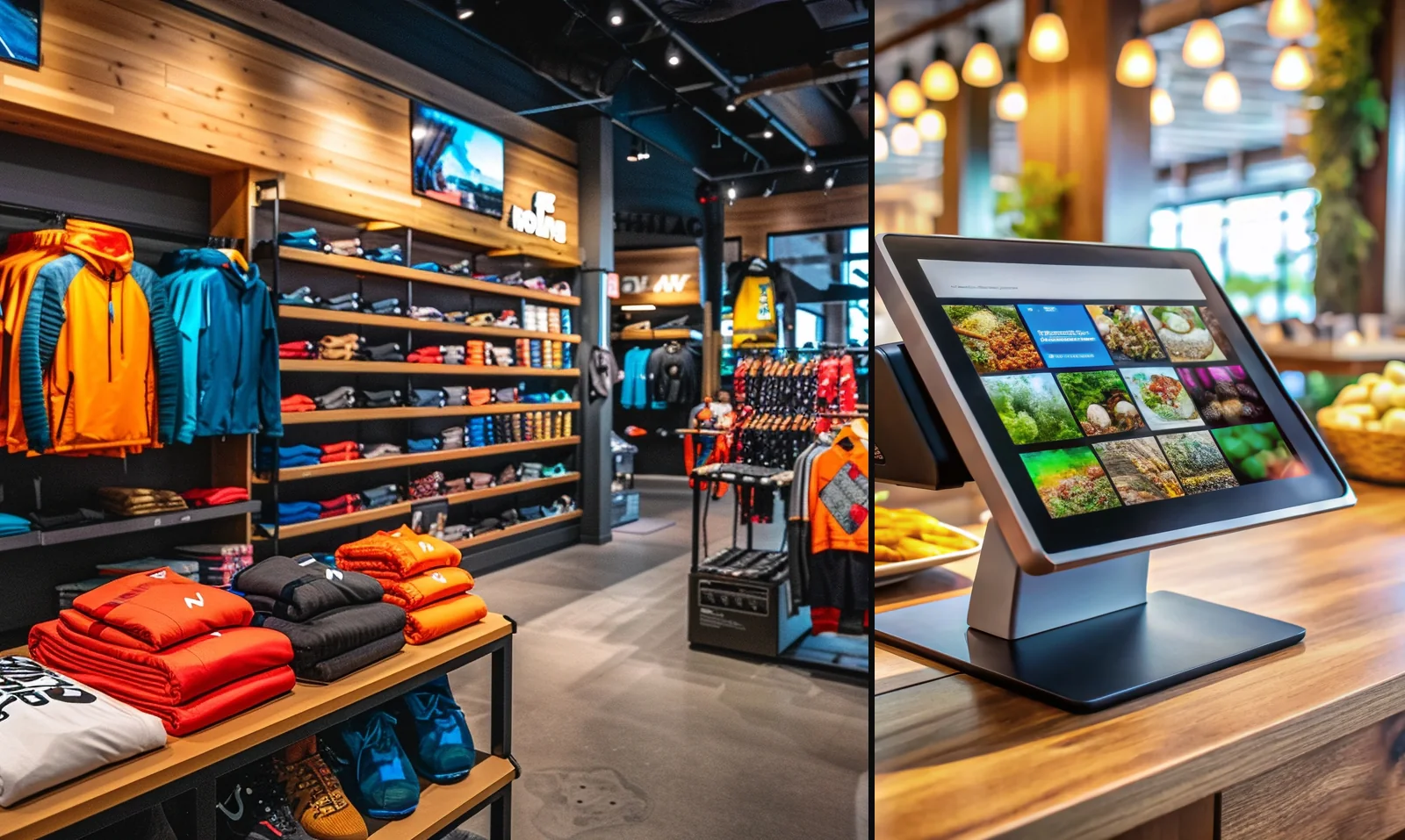
Keep categories, stock quantities, barcode or SKU lookup, promotions, receipts, returns, and best-seller reporting inside one retail workflow. Teams can move faster at the counter and answer product or receipt questions without switching systems.
Explore boutique POS
Café
Cafés & quick service
Build a menu that is easy to search, move through rushes with fewer taps, use discounts and tips when needed, and check daily totals before the next shift begins. It is a clean fit for counters that need speed without losing visibility.
Explore café POS
Restaurant
Restaurants & dine-in service
Run tables, tickets, printed checks, and reservations from the same workspace, while role-based access keeps sensitive actions limited. Owners can review cleaner history and shift activity after service instead of piecing the day together later.
Explore restaurant POS
Service
Barbershops & service businesses
Sell services and retail in the same POS, track appointments or work orders, collect tips, issue receipts, and connect customer history with loyalty, gift cards, and time clock workflows as the team grows.
Explore service POSWhat teams usually improve first

Faster checkout
Search or scan products, apply discounts, and keep the cart flow simple for the person working the counter.

Clear receipts
Print or email branded receipts at the time of sale, then resend or reprint them later when customers need a copy.

Searchable history & refunds
Find past sales by date, item, receipt, or customer reference and handle follow-up questions with a cleaner record trail.

Role-based team access
Separate owner, partner, manager, cashier, and custom permissions so daily selling stays fast while sensitive actions stay limited.

Loyalty, gift cards & customer programs
Turn repeat visits into trackable customer history instead of relying on disconnected notes, manual balances, or punch cards.

Reports, logs & closeouts
Review totals, best sellers, expenses, and activity logs in one place so end-of-day reviews are easier to verify.
Core tools behind every strong rollout
Daily selling
Catalog, checkout & scanning
Create products, organize categories, set prices, add stock or barcode values, and keep selling tools consistent across phone, tablet, or laptop.
View POS features
After sale
Receipts, history & refunds
Give customers a clear printed or digital receipt, then look up the sale later for follow-up, reprints, re-sends, and refund workflows.
See receipt tools
Control
Reports, exports & logs
Use totals, best-seller reports, expenses, activity logs, and export-ready records to make daily reviews cleaner for owners, partners, or accounting.
See reporting tools
Growth
Customer programs & staff workflows
Add loyalty, gift cards, debts, time clock, and payroll prep when the business moves beyond a basic register and needs more operating structure.
Compare plansHow teams grow with Shemify
Whether a business starts with one owner login or runs multiple teams and locations, the rollout usually follows a practical path.
01
Go live with the essentials
Start with products, sales, receipts, and daily history in one browser-based POS. That gives a business a usable counter workflow without extra installs or a long setup path.
02
Add team logins and controls
When staffing grows, Premium adds up to 5 app-access users for one location, plus roles, branded receipts, advanced reports, full logs, loyalty, gift cards, debts, and time clock.
03
Standardize closeouts and customer follow-up
Searchable history, refunds, reports, and customer tools make daily reviews easier to verify and repeat-business workflows easier to manage.
04
Expand seats or locations with structure
Enterprise scales beyond 5 app-access users with per-seat billing and multi-location workspaces, while owners and partners can switch locations and store teams stay assigned to theirs.

Questions buyers usually ask before they switch
These are the questions teams usually want answered when they compare rollout fit, user structure, and the next step from a basic register to a more organized operation.
This page combines approved customer-story style examples with common Shemify workflows by business type. Named customer stories can be added when customers approve public use of their business name and setup details.
Shemify is built for retail, cafés, restaurants, barbershops, and other service businesses that want checkout, receipts, reporting, customer tools, and team controls in one browser-based POS. You can compare the dedicated use-case pages or go straight to core features.
Many teams start with products, sales, receipts, and daily history, then add role-based access, branded receipts, advanced reports, loyalty, gift cards, debts, and time clock as the workflow grows. Pricing shows where Free, Premium, and Enterprise differ.
Yes. Enterprise supports multi-location workspaces with per-seat scaling, while location-based access keeps day-to-day workflows cleaner for store managers and staff. Start with plans if you need to compare single-location and multi-location options.
Email hi@shemify.com or use the contact page. We add named customer stories with customer approval and accurate workflow details so the page stays useful and trustworthy.