

 hi@shemify.com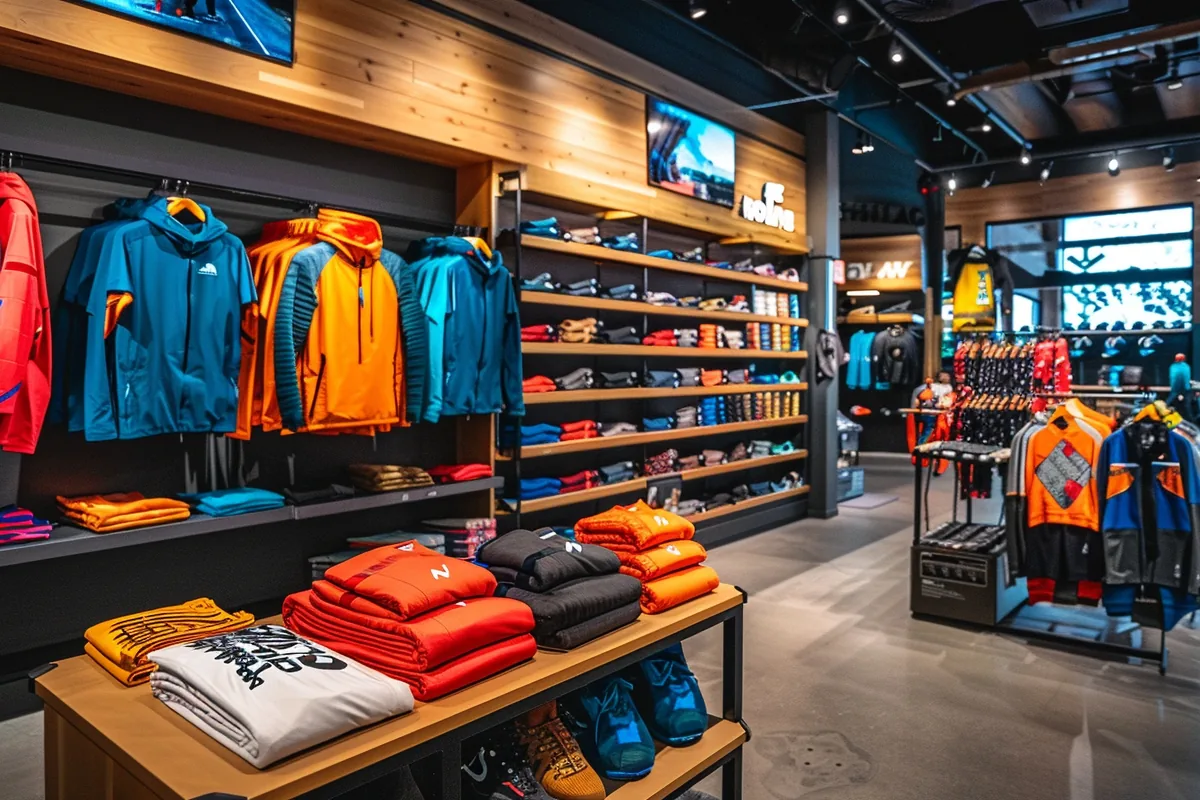
Shemify gives boutiques one browser-based POS for apparel, footwear, accessories, beauty items, and gift merchandise. Keep checkout fast, receipts clean, promotions controlled, and sales history easy to search from the same workspace.
Create products with category, selling price, cost, stock quantity, barcode or SKU, image, and optional promotion settings. Then run the counter from phone, tablet, or laptop without adding a separate local install or dedicated POS box.
A boutique workflow that stays organized through new arrivals, markdowns, and daily checkout

step 01
Set products up the way staff search
Build your catalog around brands, departments, collections, or seasonal drops. Keep size and color naming consistent, then add barcode or SKU details so lookup stays fast when the floor gets busy.

step 02
Sell quickly during busy hours
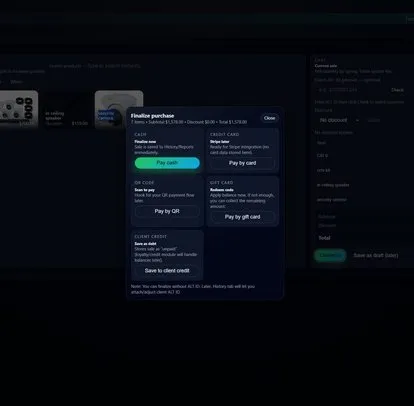
Search by product name or scan a barcode, apply clean discounts when you need them, and finalize the sale straight into receipts, history, and reports without extra steps for the team.

step 03
Keep post-sale service clean
Print or email receipts at checkout, then find the sale later from history when a customer needs a reprint, a follow-up answer, or an item-level refund handled with more control.
What boutiques usually add once traffic and team size pick up
Branded receipts and easy reprints
Paid plans let you brand the app and receipts with your logo, name, and business info, while searchable history makes it easier to resend or reprint a receipt after the sale.

Loyalty, VIP tiers, and gift cards
Turn seasonal shoppers into repeat customers with phone-based lookup, points or stamps, VIP tiers, bonus events, and digital or physical gift cards that work inside the same POS.
Roles, time clock, and location control
Premium adds up to 5 app-access users with roles, logs, reports, and time clock workflows. Enterprise is there when you need per-seat access and more than one location.
What Shemify covers for boutique retail
Built for stores that need clean merchandising, quick counter speed, and better post-sale visibility without stitching tools together.
- Browser-based POS on phone, tablet, laptop, or desktop
- Product setup with category, cost price, stock quantity, barcode or SKU, image, and promotions
- Fast search or barcode-ready lookup for apparel, footwear, accessories, beauty, and gift items
- Printed or emailed receipts plus searchable sales history and refund workflows
- Discount controls, best-seller reporting, and category visibility on paid plans
- Loyalty rewards with points or stamps, VIP tiers, phone lookup, and seasonal bonus events
- Digital and physical gift cards for regulars, holidays, and campaign periods
- Roles, logs, time clock, and multi-location growth paths when the business expands
Handle returns, promotions, and seasonal buying without losing control
Boutique retail moves quickly. The floor needs flexibility, while owners still need clean numbers, controlled refunds, and better visibility into what is actually moving.
01
Protect pricing-sensitive actions
Use staff permissions so discounts, refunds, branding, and settings stay with the right people instead of being open to every user on the floor.
02
Review what actually sells
Use sales reporting to review best sellers, category performance, expenses, and profit signals before you reorder, restock, or mark down slow movers.
03
Scale without changing systems
Start on Free or Premium for a single boutique, then move to Enterprise when you need more users, deeper controls, or multiple locations sharing one platform.
Boutique POS FAQs
Quick answers about catalog structure, barcode lookup, promotions, receipts, returns, and growth.
Yes. Shemify lets you keep products organized with reusable categories and consistent naming, so apparel, size, color, brand, and collection details stay easier for staff to search at checkout.
Yes. Products can include a barcode or SKU, and scanning that code in POS can add the product automatically. Exact hardware fit still depends on the device, browser, and connection method, so test your setup before rollout.
Yes. Shemify supports optional product promotions and POS discount controls, which helps boutiques handle markdowns, holiday offers, and seasonal clearance without making checkout messy.
Yes. Receipts can be printed or emailed, and sales history makes it easier to look up a past transaction when a customer needs another copy later.
Yes. Shemify includes refund workflows tied to the sale record, and paid plans add roles and permissions so sensitive actions can stay with the right staff members.
Yes. You can start with Free or Premium for a single location, then move to Enterprise when you need more users, deeper controls, or multiple locations.